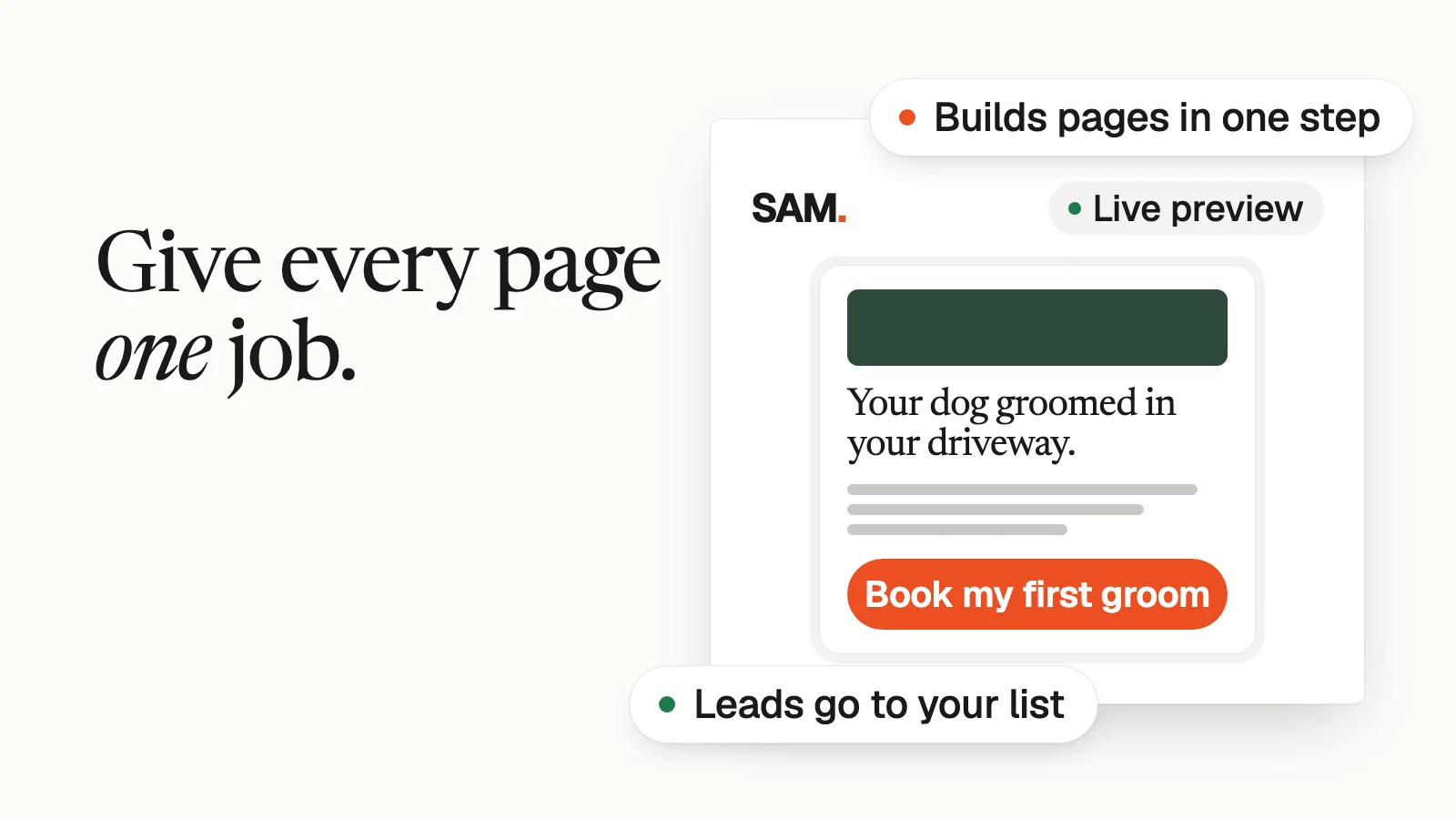
A good landing page has one job, a headline about the customer, one button, a short form, real proof and a fast load on a phone. If your page passes those six checks and someone follows up the same day, you've fixed most of what stops visitors from signing up, booking or buying.
On Oct 9 I posted a list of 25 reasons marketing doesn't bring in leads. Nine of the 25 were about the page itself: a headline about you, traffic sent to the homepage, too many buttons, a form with too many fields, no testimonials, a hidden price, a slow page, no clear next step and copy full of jargon. None of those need a designer to fix. They need an hour and a checklist, so that's what this post is.
// 01What is a landing page?
A landing page is a single page with one job: get the visitor to do one thing, like book a call, grab a free download or buy. People usually arrive from an ad, an email or a link in your bio, so they already know roughly what they came for.
Your homepage is different. It has to serve everyone: new visitors, old customers, job seekers, people looking for your hours. That's why sending paid traffic to your homepage is on my list of mistakes. The visitor came for one thing and you handed them a menu.
| Compare | Homepage | Landing page |
|---|---|---|
| Job | Introduce the whole business | Get one action |
| Menu | Full site menu | Logo only, or none |
| Buttons | Many | One, repeated |
| Visitor | Anyone | Someone who clicked a specific ad, email or link |
| Words | About everything you do | About the one thing they clicked for |
// 02The one-screen checklist
Run your page against this table on your own phone. Each check is pass or fail, so you know exactly what to fix first.
| Check | It passes if | Fix if it fails |
|---|---|---|
| One job | You can say the page's job in five words ("book a first groom") | Cut every section that serves a different job |
| Headline | It names what the visitor gets, not what you are | Rewrite it in the words a customer would use |
| First screen | Headline, one line of detail and the button show without scrolling | Shorten the headline, drop the big stock photo |
| One button | Every button does the same thing | Remove the second goal, or give it its own page |
| No menu | There's no site menu pulling people away | Show the logo only |
| Short form | You ask only for what you'll use in the next 24 hours | Delete the "nice to know" fields |
| Real proof | At least one real customer quote, word for word | Ask three happy customers this week |
| Price | Buyers can see the price, or how pricing works | Add a price, a starting price or a "how pricing works" line |
| Phone speed | The page shows up fast on cell data, not just office Wi-Fi | Shrink images, remove pop-ups and extra scripts |
| Follow-up | Someone who fills in the form hears back the same day | Set up a welcome email and a new-lead alert |
If you only have 20 minutes, do the first five rows. Those are the ones a visitor notices in the first few seconds.
// 03What goes on the first screen?
The headline, one line that explains it, and the button. That's the whole first screen.
The headline is where most pages go wrong, because owners write about themselves. "Award-winning family grooming since 2009" is about you. "Your dog groomed in your driveway. No car ride." is about them. Read your headline out loud and ask whether a stranger would get it in three seconds. That's the same rule I use for ebook titles: no buzzwords, clear to a stranger right away.
Under the headline, add one line that answers the next obvious question (where, how fast, for whom). Then the button. Button words should say what happens next: "Book my first groom" beats "Submit" every time, because the visitor knows what they're agreeing to.
Keep the photo honest and small. A real photo of your work or your team does more than a stock image, and a giant picture that pushes the button off the screen is costing you sign-ups.
// 04How many buttons and form fields should a landing page have?
One kind of button, and only the form fields you'll actually use.
You can repeat the button three or four times on a long page, as long as every copy does the same thing. What hurts is a second goal: "Book a call" next to "Follow us on Instagram" next to "Read our blog." Each extra choice is a way out.
For the form, ask yourself what you'll do with each field in the next day. If you won't use it, cut it.
| Page job | Fields to ask for | Fields to skip |
|---|---|---|
| Free download | First name, email | Phone, company size, "how did you hear about us" |
| Book a call or visit | Name, email or phone, one question about their need | Full address before you've talked |
| Get a quote | Name, contact, the 2 or 3 details you need to price the job | Anything you'll ask on the call anyway |
| Buy | Nothing on this page; the button goes straight to your order page | A sign-up form in front of the buy button |
A short form isn't about being minimal for its own sake. Every field is one more reason to stop.
// 05What proof belongs on the page?
Real words from real customers, as close to the button as you can put them. A star rating with a count, a short review copied word for word, or a photo of finished work all count.
Use your customers' actual language. Pull it from reviews, DMs and support emails, then put it on the page. When people read their own thoughts back, they trust you faster.
Never write a review yourself or "clean up" a quote until it says something the customer didn't. Beyond being dishonest, the FTC's rule on consumer reviews and testimonials bans fake or false reviews and testimonials, including ones made with AI. If you don't have proof yet, show how the work gets done and what happens after someone signs up. That's honest and it still builds trust.
// 06Should you show the price?
If the visitor is about to buy, yes. A hidden price is on my list of reasons pages don't bring in customers, because people assume the worst and leave to go find out somewhere else.
If you price custom work, give a starting price or one line on how pricing works ("quotes in 24 hours, priced by dog size"). The point is that nobody should have to fill in a form just to learn whether they can afford you.
// 07How fast does a landing page need to load?
Fast enough that the main content shows up within about 2.5 seconds. That's Google's own target for Largest Contentful Paint, its measure of when the biggest thing on the screen appears.
Google is also clear that good speed scores don't guarantee top rankings. Speed matters here for the person on the page: someone tapping your link from a social app on cell data won't wait.
The easy wins are the same on every page. Shrink big images before you upload them. Remove pop-ups that cover the button. Drop chat widgets and tracking scripts you don't use. Then open the page on your own phone, with Wi-Fi off, and time it.
// 08What should happen after someone fills in the form?
They should land on a thank-you page that tells them what happens next, and they should hear from you the same day.
This is the part owners skip. On my list, three of the 25 reasons were here: no follow-up email, follow-up days late, and leads sent to an inbox nobody checks. A page can do everything right and still waste the lead if the follow-up isn't there.
Set up three things before you send traffic to the page:
- A thank-you page with one line on what happens next ("We'll text you within an hour to pick a time").
- A welcome email that goes out right away. My post on the welcome email sequence covers what to put in it.
- An alert to a phone or inbox someone actually checks, every time a new lead comes in.
// 09A worked example (illustrative)
This example is made up to show the checklist in action. It isn't a real business or real results.
A mobile dog groomer runs a Facebook ad for first-time customers. Before, the ad sent people to her homepage, with a menu, a services page, a gallery and a contact form that asked for eight things. Here's the one-page version, top to bottom.
| Section | What it says | Which check it passes |
|---|---|---|
| Top | Logo only, no menu | No menu |
| Headline | Your dog groomed in your driveway. No car ride, no crate. | Headline about them |
| One line | First grooms this month on the north side of town. Booking takes about 2 minutes. | First screen |
| Button | Book my first groom | One button |
| Proof | Two reviews copied word for word from her Google profile, first names only, with permission | Real proof |
| How it works | Book a time, the van pulls up, your dog's back inside in about an hour | Answers the next question |
| Price | A three-row table: small, medium and large dogs | Price shown |
| FAQ | Do you need my water or power? What if my dog is nervous? What's included? | Answers objections |
| Form | Name, mobile number, zip code, dog size | Short form (each field is used to book and price) |
| After the form | Thank-you page: "We'll text you within an hour to pick a time." Welcome email right away. Text alert to her phone. | Follow-up |
Notice what's missing. No "about our story" section, no Instagram feed, no second button for gift cards. Those can live on the homepage. This page books first grooms and nothing else.
Then she ships it. Don't spend six months on a perfect page. The owner who ships an ugly version this week and fixes it from real visits wins. If you're building the free download that this kind of page gives away, my post on ideas for a free download people actually want covers how to pick one.
// 10Where SAM fits (built by the team behind SamCart)
SAM is SAM + 5 AI specialists: Ads, Content, Designer, Promotions and Social. It's built by the team behind SamCart, and pages are one of the jobs it does.
On setup, it learns your brand and offer from your website, and your customers and sales from the accounts you connect. From there you can ask for a page in plain words. SAM builds a full page in one step from your prompt, with a live preview as you edit, and writes the page copy in your brand voice. It builds and publishes landing pages, sign-up pages, sales pages and thank-you pages, on a free domain or one you own.
The follow-up part of the checklist is built in. Pages collect leads into SAM, tag them by the page and source they came from, and send them to your email list. SAM can also send a welcome email to each new lead and alert you when one comes in, and it shows page analytics and where each lead came from, so you can see which page is doing its job.
SAM doesn't take payments. A page that sells links to wherever you already sell, such as SamCart. SamCart is where you sell. SAM is where your marketing gets done. SAM opens to a limited group first. Until it opens to you, let SAM score your marketing. It's free.
Want SAM to build the page and catch every lead?
SAM opens to a limited group first. 6 quick taps, about 60 seconds. Free. No credit card.
Let SAM score my marketing// FAQFAQ
How long should a landing page be?+
As long as the decision needs. A free download can be one screen. A higher-priced purchase or a big booking needs more: how it works, proof, price and answers to the common worries. Length isn't the problem. Sections that serve a different job are.
Should a landing page have a menu?+
Usually not. A menu gives the visitor other places to go, and the page has one job. Keep your logo at the top so people know where they are, and keep the privacy link in the footer.
Do I need a separate landing page for each ad?+
You need a page whose headline matches what the ad promised. If two ads promise different things, give each one its own page. If they promise the same thing in different words, one page is fine.
How do I know if my landing page is working?+
Count how many visitors from one source took the action, then change one thing at a time and compare the next batch. On a quiet page that takes a while, and that's fine. What doesn't work is changing five things at once, because then you can't tell which one mattered.
Is a landing page the same as a sales page?+
A sales page is one kind of landing page, where the one job is a purchase. Sign-up pages, booking pages and thank-you pages are landing pages too. The checklist above works for all of them.
// 11Your one thing this week
Open the page your ads or emails send people to, on your phone, with Wi-Fi off. Go down the checklist table and mark every row pass or fail. Fix the first failing row today, and the next one tomorrow.
When you want a team that builds the page, catches every lead and sends the follow-up, let SAM score your marketing.
// SRCSources
| Source | What it supports |
|---|---|
| Brian Moran on X, Oct 9, 2026 | The 25 reasons list: headline about you, traffic to the homepage, too many buttons, long forms, no testimonials, hidden price, slow page, no clear next step, jargon, late or missing follow-up, unchecked inbox |
| Brian Moran on X, Apr 18, 2026 | Use your customers' actual words on the page |
| Brian Moran on X, Aug 25, 2026 | No buzzwords; clear to a stranger in 3 seconds |
| Brian Moran on X, Feb 25, 2026 | Shipping an imperfect page beats months on a perfect one |
| web.dev: Web Vitals | Largest Contentful Paint within 2.5 seconds as the "good" target |
| Google Search Central: Understanding page experience (updated Sep 22, 2026) | Good Core Web Vitals don't guarantee top rankings |
| FTC: Consumer Reviews and Testimonials Rule, Q&A | Fake or false reviews and testimonials are banned (rule effective Oct 21, 2024) |
| getsam.bot homepage and SAM product update, Oct 2, 2026 | SAM + 5 AI specialists; pages that capture leads; free marketing audit; built by the team behind SamCart |