This week SAM took more busywork off your plate. Your business page on LinkedIn stays active, your images and files stay sorted, and your automation reports stay where you can find them. Here's what shipped from Oct 23 to Oct 29, 2026.
If you're new here, SAM is SAM + 5 AI specialists: Ads, Content, Designer, Promotions and Social. It learns your brand and offer from your website, and your customers and sales from the accounts you connect. It's built by the team behind SamCart.
// 01Your LinkedIn Company Page, kept active
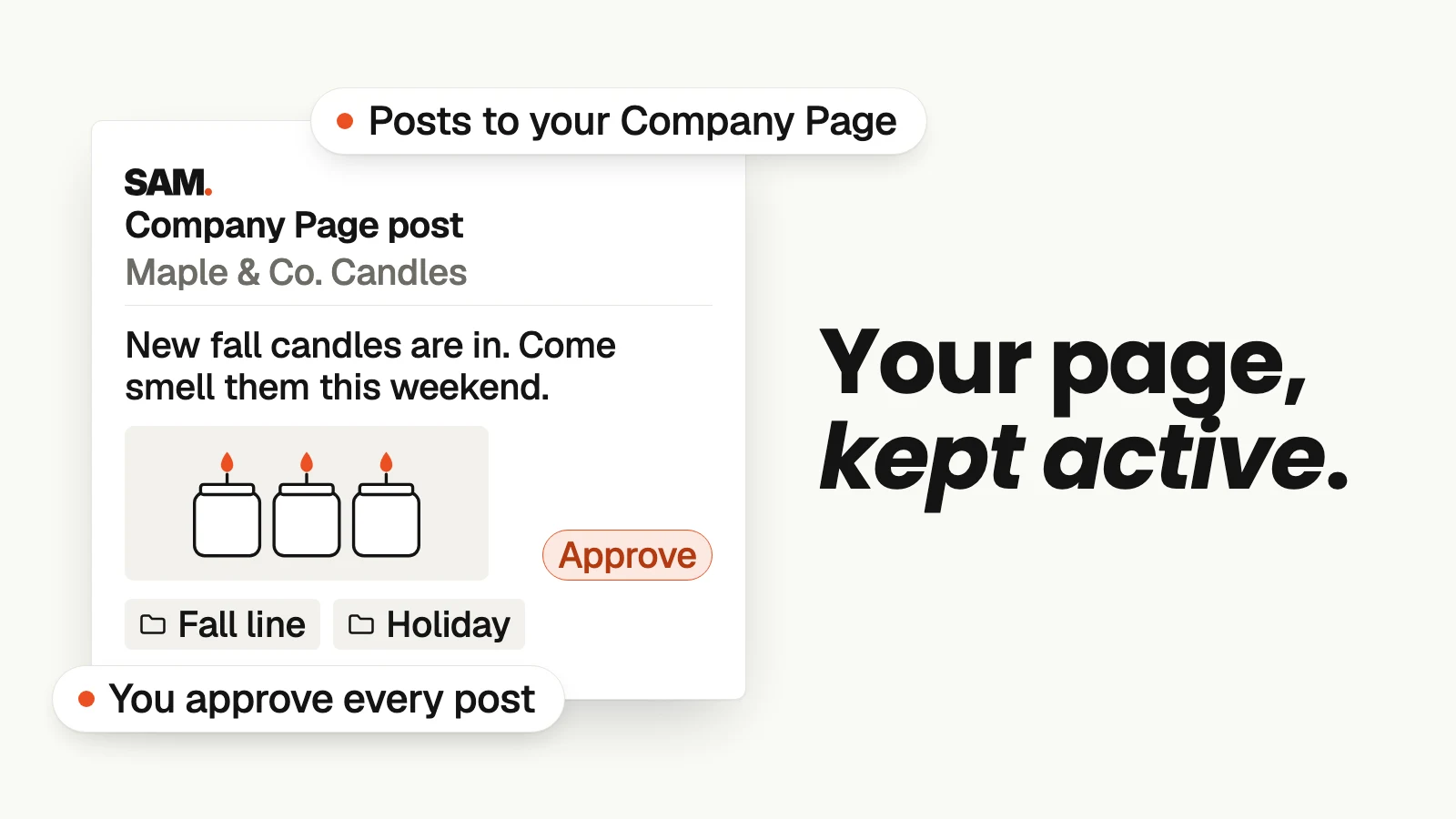
If your business page on LinkedIn has gone quiet because nobody has time to write the posts, this one is for you. You can now connect LinkedIn Business, and SAM posts text and image updates to a Company Page you manage.
You stay in control. You see a preview of each post and approve it before it goes out.
// 02A tidier library
| What changed | What it means for you |
|---|---|
| Create your own folders in My Media | Keep your images and files sorted the way you think, so you find that photo fast |
| Delete images you've made and no longer need | Your library only holds what you actually use |
// 03Automation reports you can keep
Set an automation to save its report as a doc you can come back to. Last week's report is still there next week, and the week after.
// 04Smaller fixes you'll notice
- Long web pages: share a long web page and SAM reads the whole thing.
- Cleaner Leads exports: your Leads export keeps each value in its own cell and lists each lead once.
- Your uploads in the chat: images you upload show up as thumbnails in the chat.
- Pages chat: files you attach in the Pages chat stay tidy inside the chat window.
- Playbook images: images made by a playbook follow the reference images you give it.
- Brand DNA: the Brain tab scrolls, so you can review every detail SAM knows about your business.
// FAQFAQ
Do I need to do anything to get these updates?
No. They're live in SAM now. To post to a Company Page, connect LinkedIn Business and pick a page you manage.
Does SAM post to my Company Page on its own?
No. You see a preview of each post and approve it before it goes out.
Where can I see every update?
Every change is listed on the SAM changelog. Last week's roundup is New in SAM: brand colors and sign-up tracking.
// 05Your one thing this week
Open My Media, make one folder for your best photos, and move them in. It takes five minutes and saves you the hunt every time you post.
Want to know what to work on next? Let SAM score your marketing.
SAM isn't open to you yet. Let it score your marketing.
Let SAM score my marketing// SRCSources
| Source | What it supports |
|---|---|
| getsam.bot/changelog, entries Oct 23 to Oct 29, 2026 | Every update in this post |
| getsam.bot homepage | SAM + 5 AI specialists; built by the team behind SamCart |