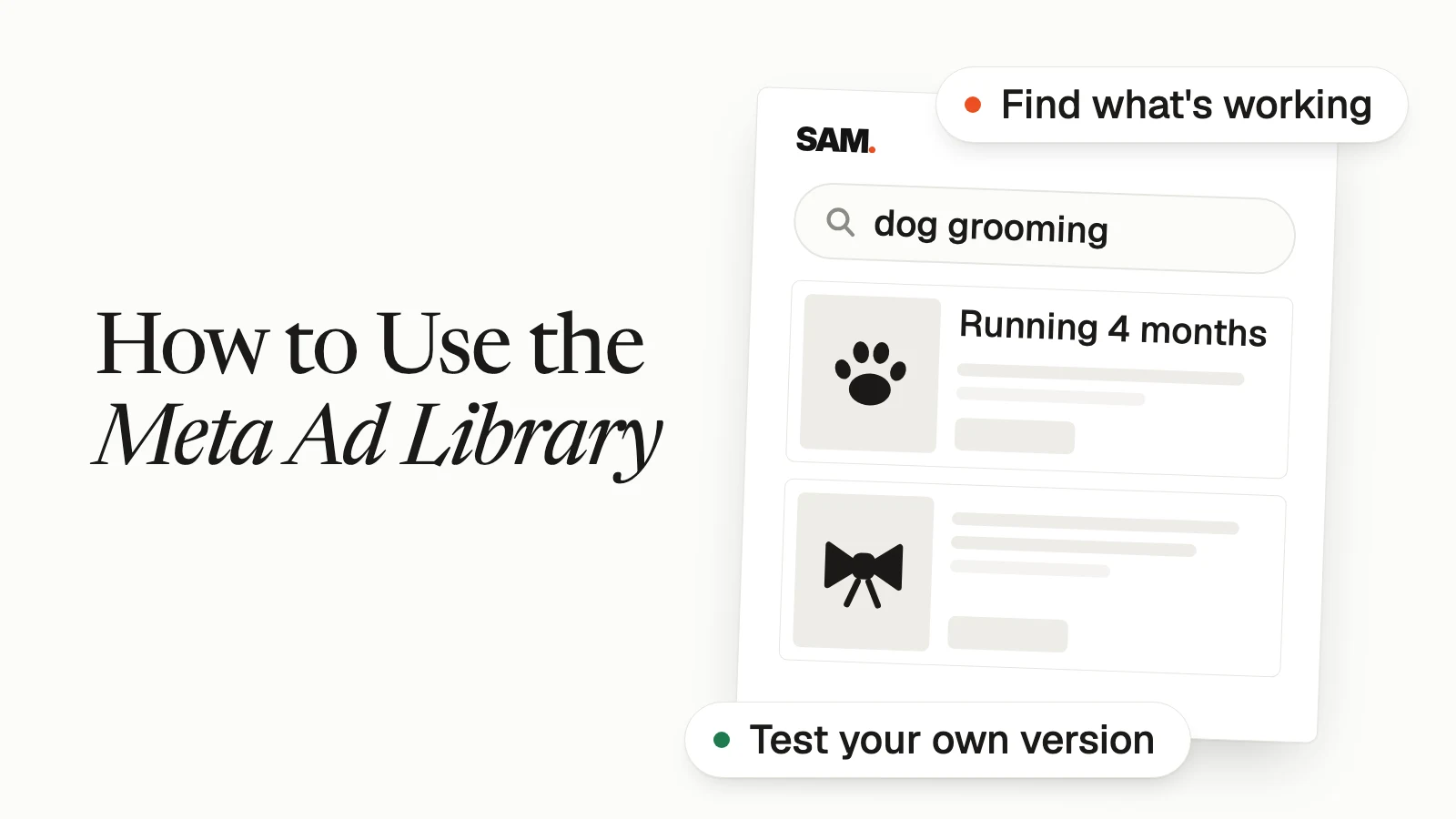
The Meta Ad Library is Meta's free, public search of the ads running on Facebook, Instagram and Meta's other apps. Go to facebook.com/ads/library, pick a country, pick "All ads," and type a competitor's name or a keyword. Then filter the results and open "See ad details" on any ad you want to study. For a small business, the best use is simple: find the ads that have been running the longest, work out why, and test your own version, not a copy.
That's the short version. Below is what the Ad Library shows and what it hides, the exact steps to search it, five things to look for in every ad, a 20-minute competitor check you can copy, and the mistakes that waste your time.
// 01What is the Meta Ad Library?
It's a public list of ads that Meta keeps for transparency, and anyone can search it. It used to be called the Facebook Ad Library. It's the same tool at the same address.
Meta's own Ad Library page says you can search:
- Ads currently running across Meta's apps.
- Ads about social issues, elections or politics from the past seven years.
- Ads that ran anywhere in the EU in the past year.
- Ads that ran in the UK in the past year, after July 1, 2025.
There's also a branded content search for posts marked as a paid partnership on Facebook and Instagram.
For a normal business ad in the US, the rule that matters is the first one. You can see an ad while it's running. Once it stops, it usually drops out of a US search.
// 02How to search the Meta Ad Library, step by step
Country, category, search, filters, details. Do it in that order.
- Open the Ad Library. Go to facebook.com/ads/library. You don't need to run ads yourself to search it.
- Pick the country. Choose the country your customers are in. The results only show ads delivered there.
- Pick "All ads." The other categories, like issues, elections or politics, are for different research.
- Search by name or keyword. Type a competitor's business name and pick their Page from the list. Or type a product word, like "dog grooming," to see everyone advertising it. A keyword search pulls in more noise, so a Page search is better when you know who you're looking for.
- Use the filters. You can narrow the list by platform, media type, active status and dates. For example, show only Instagram video ads. You can also sort the list.
- Open the ad. Click "See ad details" to see the full ad, the date it started running and the apps it runs on.
Meta says a new ad shows up in the library within 24 hours of its first view. So if a competitor launched something this morning, check again tomorrow.
// 03What the Ad Library shows you, and what it doesn't
It shows you the ad. It doesn't show you the results. Keep that in mind every time you read one.
| What you can see | What you can't see | |
|---|---|---|
| The ad itself | The image or video, the words, the button | How many people clicked or bought |
| Timing | The date it started running | Exact hours or schedule |
| Versions | A note when the ad has more than one version | Which version is winning |
| Money | Nothing for regular US business ads | Spend, cost per sale, budget |
| Audience | Nothing for regular US business ads | Who it's targeted at |
Ads about social issues, elections or politics show more, like spend ranges. Ads that ran in the EU show more too, like reach and the age, gender and location choices behind them. For most small business research, you're reading the ad and making smart guesses.
// 04Five things to look for in every ad
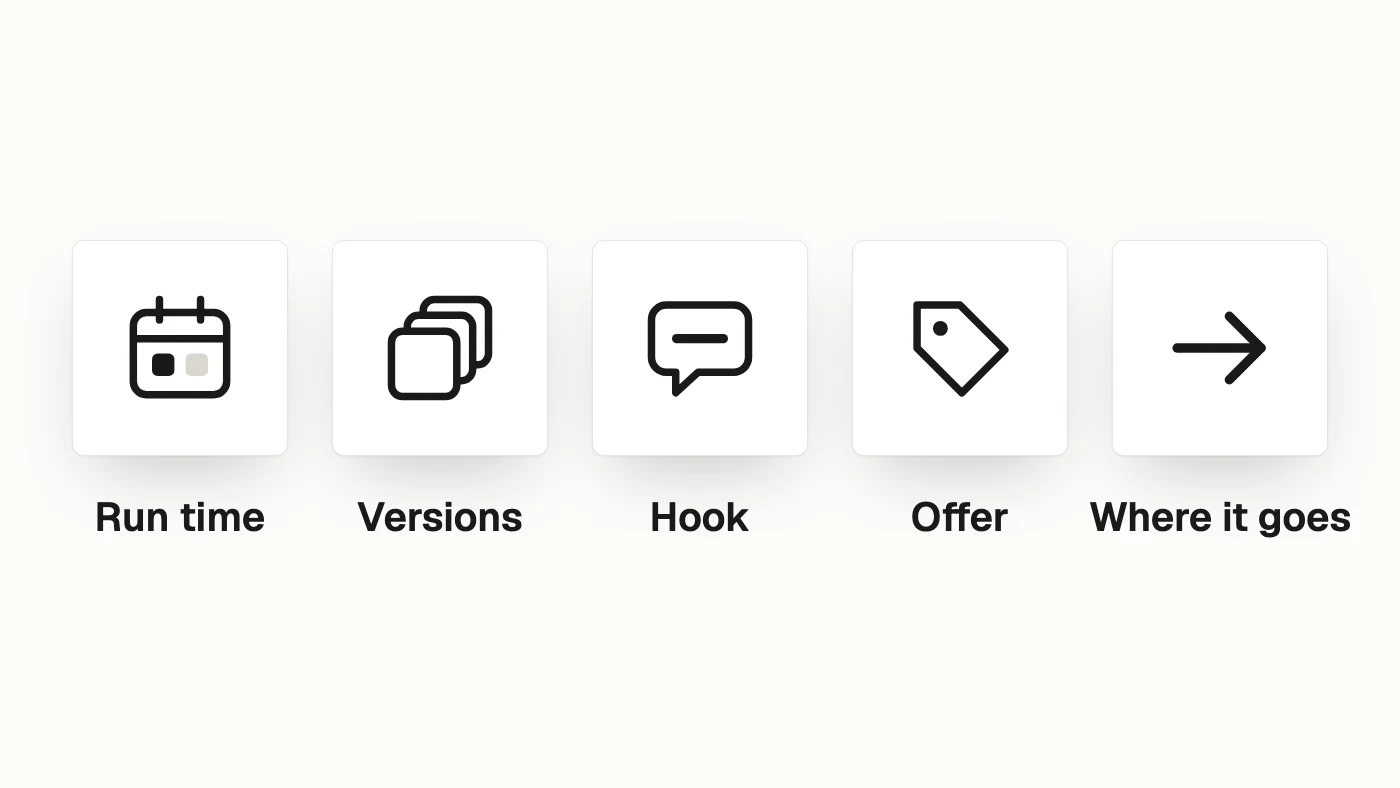
You're not looking for pretty ads. You're looking for clues about what's working.
- How long it's been running. An ad that started months ago is a clue it's working, because most businesses turn off ads that lose money. It's a clue, not proof.
- How many versions there are. A note that says the ad has multiple versions means they're testing. That's a business that tests, so its longest running version is worth a close look.
- The first line or first three seconds. That's the hook. Write it down word for word for your notes. It tells you what problem they think gets attention.
- The offer. Free quote, first visit discount, a free guide, a bundle. The offer often matters more than the picture.
- Where it sends people. Click through. Is it a booking page, a product page or a signup form? That tells you what they want a stranger to do first.
Do this for five ads and you'll start to see a pattern in your market. Write that pattern down. It's the brief for your next test.
// 05A 20-minute competitor check (illustrative)
Here's what one quick check could look like for a small dog grooming business. This is a made-up example, not a real customer.
- Minutes 1 to 5. Search the three closest groomers in town by Page name, with the country set to the US.
- Minutes 6 to 10. Two of them have ads running. One ad has been running for four months and has three versions. All three versions open with a "before and after" photo of a matted dog.
- Minutes 11 to 15. Click through. The ad sends people to a booking page with a first visit discount.
- Minutes 16 to 20. Write one line: "Long running ad in my area = before and after photo + first visit offer + straight to booking."
Now the owner has a test to run with their own photos, their own words and their own offer. They didn't copy anything. They learned what their market already responds to.
If you want ad formats to try, here are 8 Facebook ad formats to copy, including before and after and customer review ads.
// 06Mistakes to avoid
The Ad Library is for ideas. It can't tell you what to spend or what works for you.
- Copying an ad word for word. Their photos, videos and words aren't yours to use. Take the idea, then make your own.
- Thinking long running means profitable. Some businesses leave a bad ad on by accident. Look for patterns across several ads, not one.
- Thinking a missing ad means they stopped. They might run it in another country, from another Page, or in a format you filtered out.
- Studying giant brands. A national brand's ad budget and goals aren't yours. Study businesses your size, in your market.
- Never testing. Research only pays off when you run your own version. Start small, watch the numbers and keep the winner.
When your own ads start to wear out, here's how to spot Facebook ad fatigue and what to do next.
// 07Where SAM fits (built by the founder of SamCart)
Use the Ad Library to find the idea. Then SAM can help you make and run your version.
SAM is the AI marketing team built by the founder of SamCart, and it learns your brand and offer from your website, and your customers and sales from the accounts you connect.
Once you know what kind of ad you want to test, SAM makes ad images in your brand, including UGC-style, testimonial, before and after, comparison and lifestyle ads. The Ad Creative Pack playbook makes a set of ads in one run. If you'd rather start from one idea, here's how to use an AI ad generator the right way.
With your Meta ad account connected, SAM builds and launches campaigns, ad sets and ads in your account and reports the results. It won't spend money on ads until you say yes. The Ad Account Audit playbook reviews the ads you already run and suggests what to change, and Competitor Watch is one of the jobs you can set SAM to run on a schedule. Playbook names are examples. What's available is shown inside SAM.
You decide what runs and what you spend. Nothing here is a promise of results.
SAM isn't open to you yet. Let it score your marketing.
Let SAM score my marketing// FAQFAQ
Is the Meta Ad Library free?
Yes. The Meta Ad Library is free to search. You don't have to be an advertiser or pay anything to look up ads.
Do I need a Facebook account to use the Ad Library?
No. You can search the Ad Library at facebook.com/ads/library without logging in. Some extra features may ask you to log in.
Can I see how much a competitor spends on Facebook ads?
Not for regular business ads in the US. The Ad Library shows spend ranges only for ads about social issues, elections or politics. For everything else, you see the ad but not the budget or the results.
Can my competitors see my ads in the Ad Library?
Yes. Any ad you run on Facebook or Instagram shows up in the Ad Library while it's running, with your Page name on it. Assume competitors can see what you run.
Is the Facebook Ad Library the same as the Meta Ad Library?
Yes. It's the same tool. Meta is the company that owns Facebook and Instagram, so the Facebook Ad Library is now called the Meta Ad Library.
// 08Your one thing this week
Look up your three closest competitors in the Meta Ad Library. For each one, find the ad that's been running the longest and write one line about its hook and its offer. Then make one ad of your own that tests the same idea with your photos and your words.