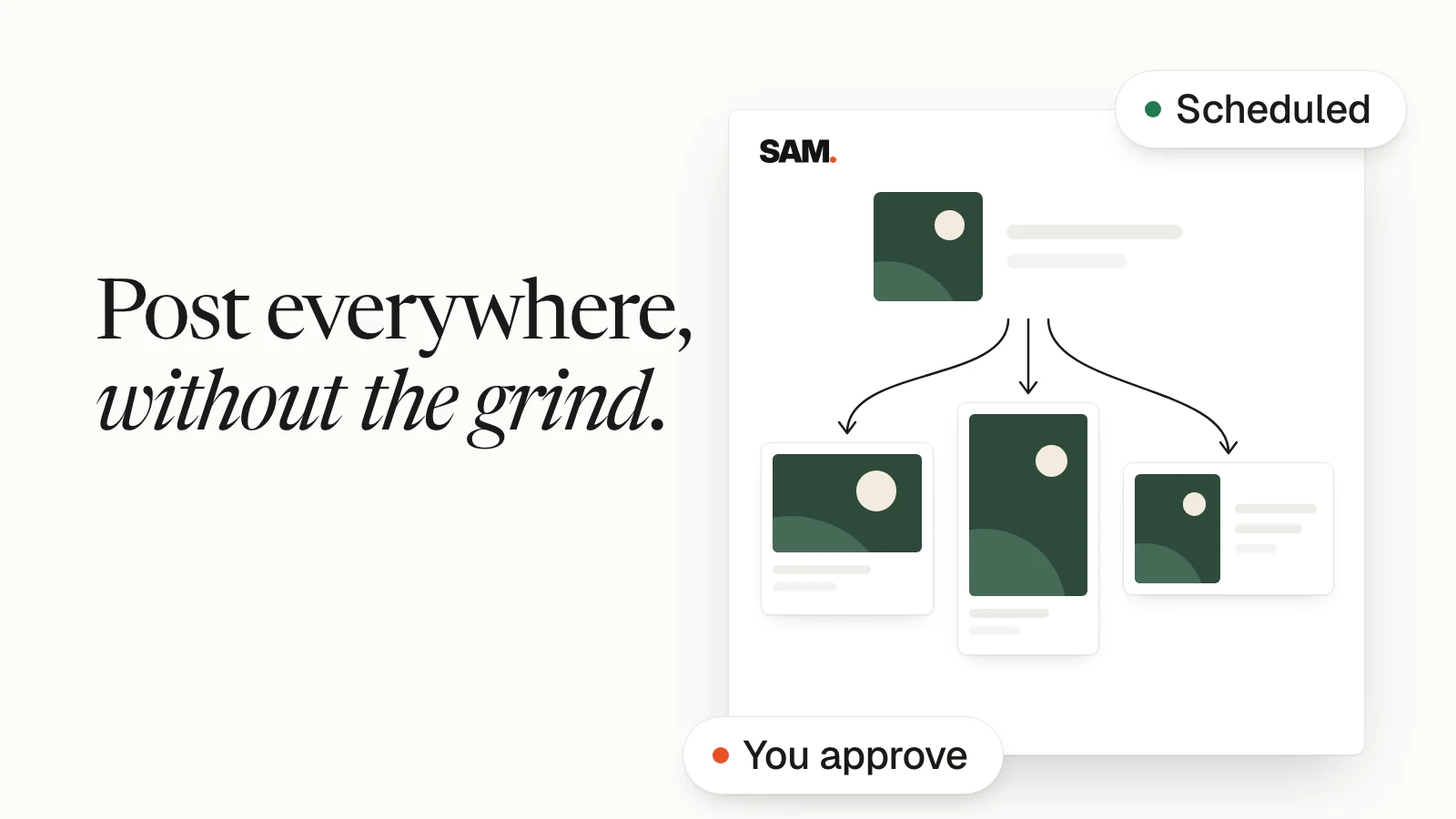
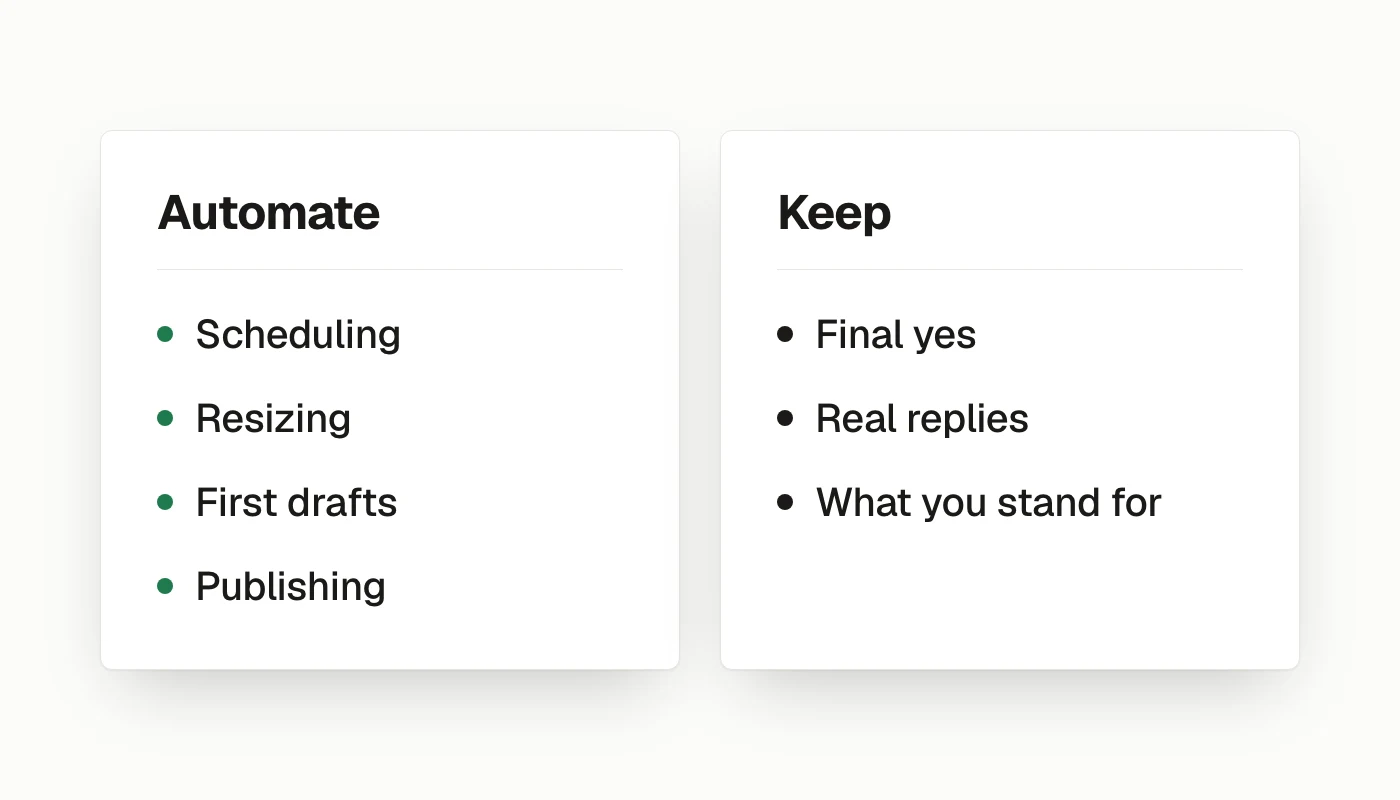
Social media automation means letting software do the repeat work of posting: writing drafts, making the images, scheduling, and publishing to each platform at the right time. Automate the steps that are the same every week. Keep the parts that need you: what you stand for, real replies to real people, and the final yes before a post goes out.
Done right, automation is how a small business shows up every day without spending every day on it.
Most owners don't stop posting because they run out of ideas. They stop because posting takes a dozen small steps, every single time. Write it. Find a photo. Resize it. Log in to four apps. Pick a time. Do it again tomorrow. Automation takes those steps off your plate so the posting doesn't stop when you get busy.
If you're still working out what to post, start with a simple social media content calendar. This post is about getting it posted, everywhere, without the grind.
// 01What can you automate on social media?
Almost every step that's the same each time. Here's the list, from easiest to hardest to hand off:
- Scheduling. Pick a day and time once, and the post goes out on its own.
- Publishing to several platforms. One idea, posted to Instagram, Facebook, LinkedIn and X, each in the right format.
- Resizing images and video. Square for the feed, tall for Stories and Reels, wide for link previews.
- First drafts of captions. In your voice, from a short note like "new spring class starts Monday."
- Making the images. Quote posts, carousels, product shots with your colors and logo.
- A weekly plan. What goes out on which day, so you're not deciding at 9 p.m.
// 02What should you not automate?
Three things stay with you:
- The final yes. Look at every post before it goes live, at least until you trust the setup. A wrong price or an old date on a public post costs more than the minute it takes to check.
- Real conversations. When a customer asks a real question or has a complaint, answer like a person. Fast, honest, and in your own words.
- What you stand for. Software can write a caption. It can't decide what your business believes or what you'll never say. Write that down once, so every draft starts from it.
A good rule: automate the work, not the relationship.
// 03How to automate your social media posts, step by step
Step 1: Write down your brand basics once
Your colors, your logo, how you talk, and the words you never use. Two short paragraphs is plenty. Every tool you use, and every person who helps you, should work from this.
Step 2: Pick two or three platforms, not all of them
Go where your customers already are. A local bakery might pick Instagram and Facebook. A consultant might pick LinkedIn and X. You can add more later. Posting well on two beats posting badly on six.
Step 3: Turn one idea into a post for each platform
This is where automation saves the most time. Start with one idea, like a customer question you answered this week. Then make each version fit its platform: a carousel for Instagram, a short text post for LinkedIn, a thread for X. Same idea, different shape.
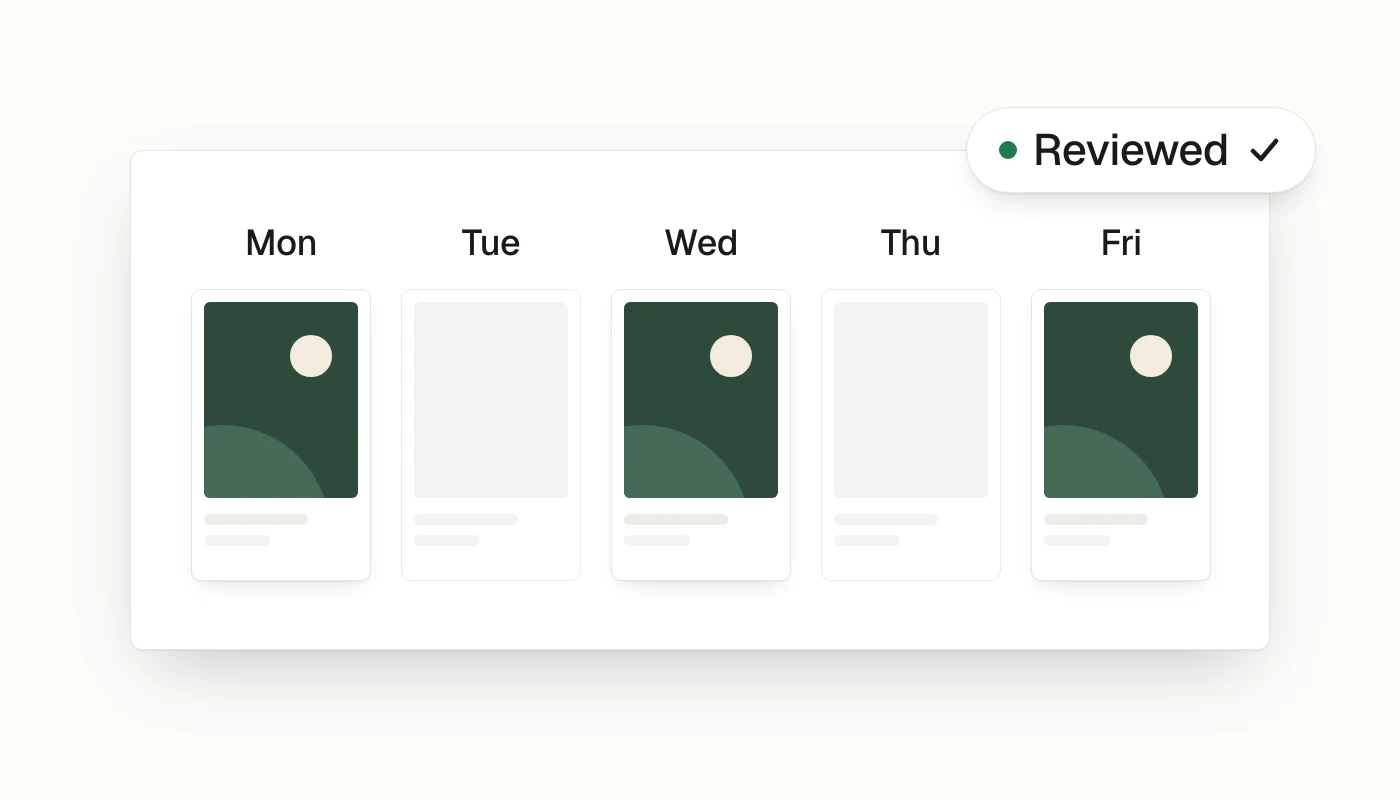
Step 4: Set a schedule you can keep
Pick days and times and stick to them. Three posts a week, every week, does more than ten posts one week and none the next. If you want help choosing how often, here's how often to post on Instagram.
Step 5: Review a week at a time
Set aside 20 minutes, once a week. Look over what's queued up, fix anything that's off, and approve it. Then you're done until next week.
Step 6: Check what worked, once a month
Look at which posts got saves, shares, comments and clicks. Do more of those. Drop the kind nobody touches. That's how your posts get better over time instead of just more frequent.
// 04Can you post to all social media at once?
Yes, with one tool that connects to each of your accounts. But "at once" shouldn't mean "the same post everywhere." A caption written for LinkedIn reads strangely on Instagram, and a tall video looks wrong in a wide spot. Post the same idea everywhere, shaped for each place.
// 05How do you automate Instagram posts?
Connect your Instagram professional (business) account to a tool that can publish to it, then schedule each post with its image or video and caption. Photos, Reels, Stories and carousels can all be scheduled this way. Keep the caption and first comment in your voice, and check the crop before it goes out.
// 06Common social media automation mistakes
- Set it and forget it. Automation still needs a weekly look. Things change. A post about a sale that ended last week makes you look absent.
- The same post on every platform. It's faster, and it shows. Shape each one.
- Robot replies. Automated "Thanks for your comment!" replies on real questions push people away.
- Posting more instead of better. Volume doesn't fix posts nobody wants to read.
- No brand basics. Without them, every draft sounds a little different, and none of them sound like you.
// 07Where SAM fits (built by the founder of SamCart)
SAM is an AI marketing team: SAM plus 5 AI specialists for ads, design, content, promotions and social. Turning one idea into posts for every platform, and getting them out on schedule, is one of the jobs it can take off your plate.
You start by pasting your website. SAM pulls in your logo, colors, fonts and tone of voice, and shows you what it found so you can fix anything. From then on, it learns your brand and offer from your website, and your customers and sales from the accounts you connect.
SAM writes your social posts in your brand voice and makes the images and short videos to go with them, in every common size. It publishes to Instagram, Facebook Pages, LinkedIn and X, and can drop posts into Buffer if you already use it. Ask it to post at a set time and it schedules the post itself. It plans your posts on a calendar, and you can preview a post before it goes out. You can also describe a recurring job in chat, like "draft three posts every Monday," and SAM sets it up. You can pause, edit or stop it any time.
Want to see where your social posts and the rest of your marketing stand today? Let SAM score my marketing.
SAM isn't open to you yet. Let it score your marketing.
Let SAM score my marketing// FAQFAQ
What is social media automation?
It's using software to handle the repeat steps of posting, like drafting, making images, scheduling and publishing, so your accounts stay active without you doing every step by hand.
Is social media automation worth it for a small business?
For most owners, yes, because the hard part of social media is doing it every week. Automation keeps posts going out when you're busy. It works best when you still review the posts and answer real people yourself.
Will automated posts hurt my reach?
Scheduling a post through a tool that connects to the platform is normal and widely used. What hurts reach is posting things people don't care about. Focus on useful posts, shaped for each platform.
Can I automate replies to comments?
You can, but be careful. Simple replies are fine for quick thank-yous. Real questions and complaints deserve a real answer from you.
How much time does social media automation save?
It depends on how many platforms you post to and how you post today. The biggest saving comes from turning one idea into posts for every platform and reviewing a whole week in one sitting instead of posting by hand every day.
// 08Your one thing this week
Pick one idea you'd share with a customer. Turn it into one post for each of your two main platforms, shaped for each one, and schedule both for this week. Then block 20 minutes on your calendar next week to review what's queued up.