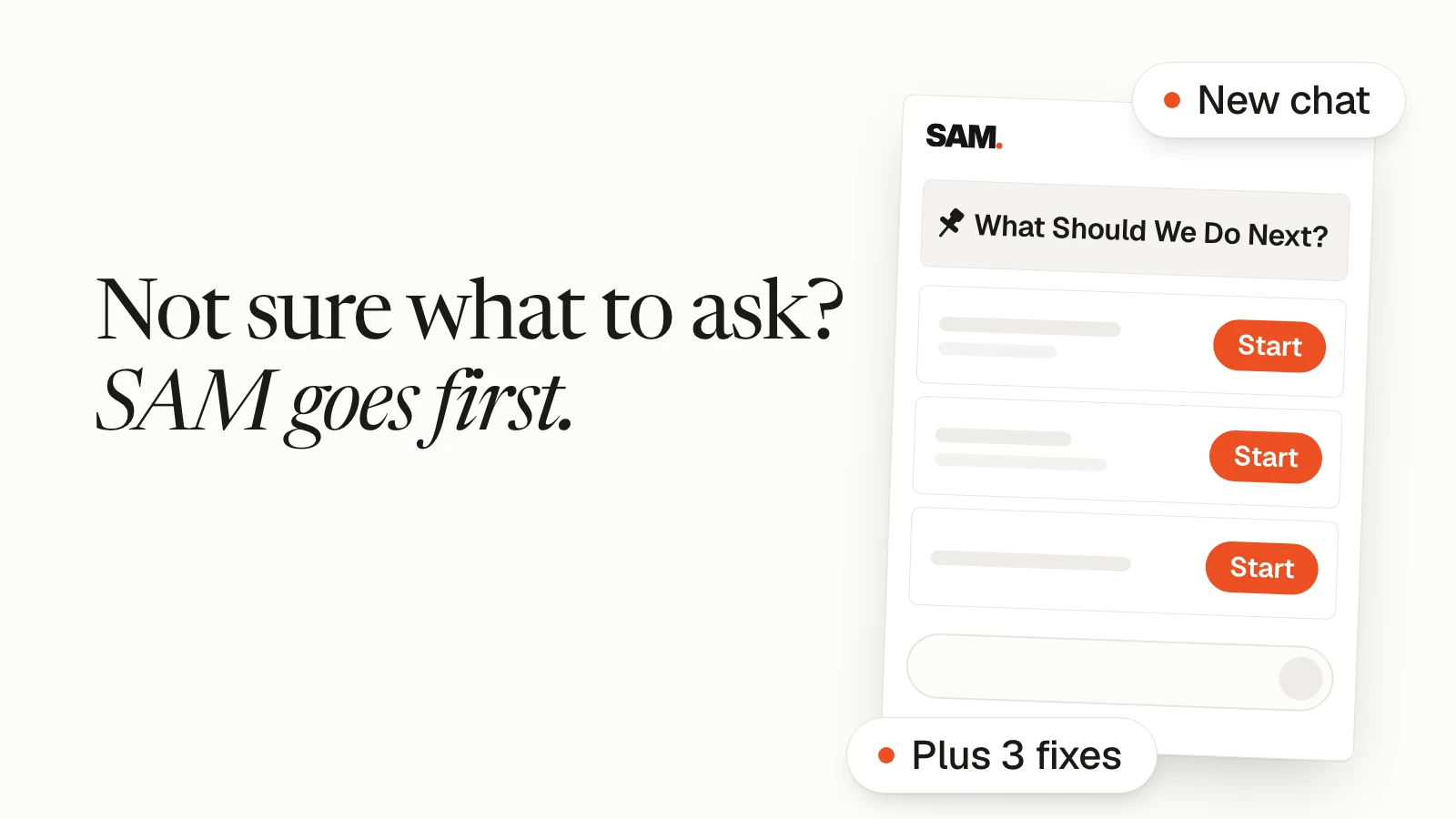
Ever open SAM and not know what to ask? Now you don't have to. Start a new chat and "What Should We Do Next?" sits at the top of Recommended. Run it and SAM picks the 2 or 3 moves that will help your business most, then offers to start them. Plus three fixes. Here's what shipped from Nov 13 to Nov 17, 2026.
If you're new here, SAM is SAM + 5 AI specialists: Ads, Content, Designer, Promotions and Social. It learns your brand and offer from your website, and your customers and sales from the accounts you connect. It's built by the team behind SamCart.
// 01Your next best moves, right on the new chat
The hardest part of any tool is knowing what to ask it.
So we put the answer where you'll see it. Start a new chat and the What Should We Do Next? playbook is pinned at the top of Recommended. Run it and SAM suggests the 2 or 3 highest-leverage moves for your business. Then it offers to start them for you.
No blank box. No guessing.
// 02Words on your TikTok ads stay easy to read
Text on your TikTok ads is now placed clear of TikTok's buttons on the right side of the screen. So people can read your words instead of squinting around the like and share icons.
// 03Your Meta picks stay saved
When you connect Meta, you choose which ad accounts and Pages SAM can use. Those choices now stay selected after you refresh the page. Pick them once and you're done.
// 04Delete a draft payment request
Made a payment request and changed your mind? You can now delete it while it's still a draft.
// FAQFAQ
Do I need to do anything to get these updates?
No. They're live in SAM now.
What does "What Should We Do Next?" do?
It's a SAM playbook pinned at the top of Recommended on every new chat. Run it and SAM suggests the 2 or 3 highest-leverage moves for your business, then offers to start them.
Does SAM work with TikTok ads?
Yes. SAM builds and adjusts TikTok campaigns, ad groups and ads, and it asks you first before any change. This week's fix keeps the text on your TikTok ads clear of TikTok's buttons on the right.
Where can I see every update?
Every change is on the SAM changelog. Last week's roundup is New in SAM: Vertical Videos, Chat Scroll, Google Ads.
// 05Your one thing this week
Open a new chat in SAM and run What Should We Do Next? Pick one of the moves it suggests and let SAM start it.
Want a full read on where to start? Let SAM score my marketing.
SAM isn't open to you yet. Let it score your marketing.
Let SAM score my marketing// SRCSources
| Source | What it supports |
|---|---|
| getsam.bot/changelog, entries Nov 13 and Nov 17, 2026 | Every update in this post |
| getsam.bot homepage | SAM + 5 AI specialists |
| SAM help center (TikTok Ads guide) | SAM builds and adjusts TikTok ads and asks first |