Yes, you can schedule posts on Instagram, for free, right in the app. Make your post as usual, tap More options, turn on Schedule this post, pick a date and time, and tap Schedule. You need a public account, and Instagram lets you schedule up to 25 posts a day, up to 30 days ahead.
That covers photos, carousels and Reels. Stories work a little differently, and so does scheduling from a computer. Below are the exact steps for each one, where to find your scheduled posts later, and what to check when the schedule option won't show up.
Every Instagram rule here comes from Instagram's and Meta's own help pages, checked on Nov 24, 2026. Apps change these menus often, so if a button has moved, search the help page for "schedule".
// 01Can you schedule posts on Instagram?
Yes. Instagram has a built-in scheduler, and it doesn't cost anything. Instagram's help page says that with a public account you can schedule photos, carousel posts and Reels from the Instagram app.
Here are the rules, straight from that page:
- You need a public account. Private accounts can't schedule.
- Up to 25 posts a day.
- Up to 30 days ahead. Meta says accounts on a paid Meta One Advanced, Expert or Max plan can schedule up to a year ahead.
- Your settings get locked in. A scheduled post keeps the privacy and audience settings you had when you scheduled it.
A few kinds of posts can't be scheduled at all. Instagram lists product tags, collaborative posts, sponsored posts and fundraisers as not compatible with scheduled content right now. Post those live.
// 02How to schedule Instagram posts in the app
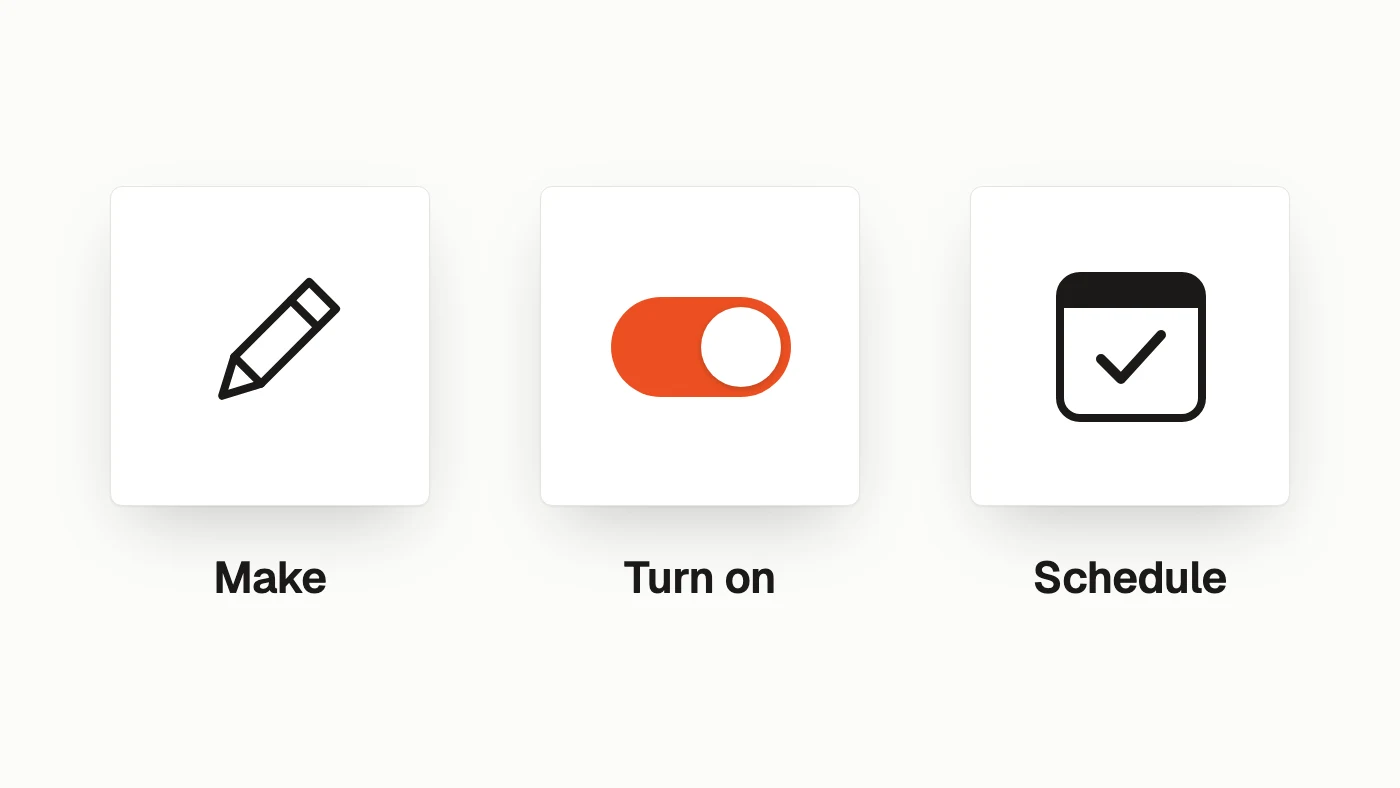
It's eight taps, and the last one is the one people miss. These are Instagram's own steps:
- Tap Create in the top left, or swipe right anywhere in Feed. Then tap Post or Reel.
- Pick your photo or video, then tap Next.
- Add your caption, effects or filters.
- Tap More options.
- Turn on Schedule this post (or Schedule this reel), then choose the date and time.
- Tap Done.
- Tap Back.
- Tap Schedule.
Steps 6 to 8 matter. Picking a time isn't the same as scheduling the post. Until you tap Schedule at the end, nothing is booked.
While you're picking the time, look for Follower active times under the date picker. Meta says those suggested times are based on when your followers were most active over the last 28 days, in your current time zone. If you want to go deeper on timing, here's the best time to post on Instagram from four big studies, plus a simple test.
// 03Can you schedule a carousel or a Reel?
Yes, both. Instagram's help page names Reels, photos and carousel posts. A carousel is just a post with more than one photo, so you schedule it the same way: pick all the photos in step 2, then follow the same steps.
For Reels, tap Reel in step 1 and turn on Schedule this reel in step 5. Everything else is the same.
If you're building a carousel from scratch, our guide on how to make an Instagram carousel walks through it slide by slide.
// 04Can you schedule Instagram Stories?
Yes, but not from the steps above. Instagram's scheduling page lists posts, carousels and Reels. For Stories, use Meta Business Suite, Meta's free tool for running your Facebook Page and Instagram account together.
On a computer, Meta's steps are:
- Go to Meta Business Suite and click Create story.
- Under Post to, pick your Instagram account (or your Facebook Page, or both).
- Under Media, add up to 10 photos or videos.
- Under Scheduling options, choose Schedule and set the date and time.
- Click Schedule.
To change it later, go to Content, then the Stories tab, then Scheduled. You can publish it now, reschedule it or delete it from there.
// 05How to schedule Instagram posts from a computer
Use Meta Business Suite in your web browser. You need full control of the Instagram account, or content permission for it. Then:
- Click Create post, from the home page or the Content tab.
- Under Post to, pick your Instagram account. You can post to your Facebook Page at the same time.
- Under Media, add your photos. Meta says the limit for Instagram is 10 photos.
- Write your text. You can change the words for Facebook and Instagram separately.
- Under Scheduling options, pick the date and time. The Active times button suggests times based on when your followers were most active over the past 7 days.
- Click Schedule. Or click Finish later to save it as a draft.
Meta's help pages don't give a separate limit for how far ahead Business Suite can schedule Instagram posts. The date picker shows you what it will take.
This is the easiest way to schedule a whole week in one sitting, because you're typing on a real keyboard and you can see every post side by side.
// 06Where to find your scheduled posts on Instagram
Go to your profile, tap the menu in the top right, and tap Scheduled content. It's under Your insights and tools.
Tap Options next to any post, and you can:
- Delete it
- Edit it
- Reschedule it
- Share it now
There's a second way in, too. Tap Create, then Post or Reel, then Scheduled.
If you scheduled from Meta Business Suite, look there instead, under Content, then Posts and reels, then the Scheduled tab.
// 07Why can't I schedule a post on Instagram?
Most of the time it's one of five things. Run down this list before you try anything else:
- Your account is private. Instagram's scheduler needs a public account.
- You hit the daily limit. You can schedule up to 25 posts a day.
- The date is too far out. The limit is 30 days ahead unless you're on one of Meta's paid plans.
- The post has something that can't be scheduled. Product tags, a collaborator, a paid partnership (sponsored) label or a fundraiser will block it. Take that part off, or post it live.
- You didn't finish. You set the time, but didn't tap Done, Back and then Schedule.
If none of those fit, update the Instagram app and try again. That's a common fix, not an Instagram rule, but menus like More options can look different on an old version.
// 08A simple way to schedule a week of Instagram posts
Here's an illustrative example, not a real business. Say you run a flower shop and you want to post four times a week without stopping work to do it.
- Pick one sitting. Sunday night, 45 minutes.
- Make all four posts first. Photos picked and cropped, captions written, links ready. A post that isn't finished isn't ready to schedule.
- Choose your times. Use the Follower active times Instagram suggests, or the times you found in your own test.
- Schedule all four. Monday, Wednesday, Friday and Saturday. Do the Saturday one first if it's tied to a weekend sale.
- Open Scheduled content and read every post once. This catches the typo and the wrong photo.
- Set a reminder for a few minutes after each post goes out, so you're there to answer comments and messages.
That's the whole routine. If you're not sure how many posts to plan, see how often you should post on Instagram. If you want the month mapped out first, start with a social media content calendar.
// 09Should you use a scheduling tool instead?
If you only post to Instagram, the free scheduler in the app is enough. A scheduling tool starts to make sense when you post to three or more places and want them all on one screen.
Tools like Later and Buffer schedule Instagram posts alongside your other accounts. If you're comparing them, here's how SAM compares with Later. And if you post to Facebook, LinkedIn and X too, our guide to scheduling social media posts shows the free option in each app.
One thing scheduling won't do is make the post for you. It gets a finished post out on time. Finishing it is still the hard part.
// 10Where SAM fits (built by the team behind SamCart)
Scheduling is the easy part. Making four good posts a week, with the right images and words, is where most owners fall behind.
SAM is the AI marketing partner built by the team behind SamCart, and it learns your brand and offer from your website, and your customers and sales from the accounts you connect. It writes your captions in your brand voice and makes the images in the sizes Instagram uses, like 4:5 for the feed and 9:16 for Stories.
SAM can publish photos, Reels, Stories and carousels to your Instagram, and it asks you first. You can preview a post before it goes out. Ask SAM to post at a set time and it schedules the post itself. It can also plan your posts on your Marketing Calendar, or drop them into your Buffer queue if that's where you already schedule.
You still decide what goes out. Nothing here is a promise of results.
SAM isn't open to you yet. Let it score your marketing.
Let SAM score my marketing// FAQFAQ
Can you schedule posts on Instagram for free?
Yes. Instagram's built-in scheduler is free in the app. You need a public account, and you can schedule up to 25 posts a day, up to 30 days ahead. Meta Business Suite is also free and lets you schedule from a computer.
How far in advance can you schedule Instagram posts?
Up to 30 days in the Instagram app. Meta says accounts on a paid Meta One Advanced, Expert or Max plan can schedule up to a year ahead.
Can you schedule Instagram Stories?
Yes, with Meta Business Suite. Click Create story, add up to 10 photos or videos, choose Schedule under Scheduling options, and set the date and time. Instagram's in-app scheduling page lists posts, carousels and Reels.
Where do I find scheduled posts on Instagram?
Go to your profile, tap the menu in the top right, and tap Scheduled content under Your insights and tools. From there you can edit, reschedule, delete or share a post now.
Why is there no option to schedule a post on Instagram?
The most common reasons are a private account, hitting the 25-a-day limit, picking a date more than 30 days out, or a post with product tags, a collaborator, a paid partnership label or a fundraiser. Those can't be scheduled.
// 11Your one thing this week
Open Instagram, make next Monday's post, and schedule it instead of posting it. Then go to Scheduled content and check it's there. Once you've done one, do the rest of the week in the same sitting.